
For: Equipment leads and general managers at clubs and studios deciding what to buy, move or leave alone, and dealers asked to quote against a request for “more racks” or “more cable stations.”
The decision: Whether behavior on your own floor justifies an equipment order, a layout change or no action yet, and which records prove it.
60-second answer: Log four behaviors at fixed times, using written definitions: what members wait for, what they substitute, what they abandon and what they ask staff for. Set the trigger that would change your plan before you start watching. Check the log against check-ins, bookings, console usage and out-of-order records, because a queue behind a broken unit is a service problem, not a buying signal. Run the cheapest test first. Only a shortage that persists after the test should become a specification and a quote.
Four behaviors worth logging
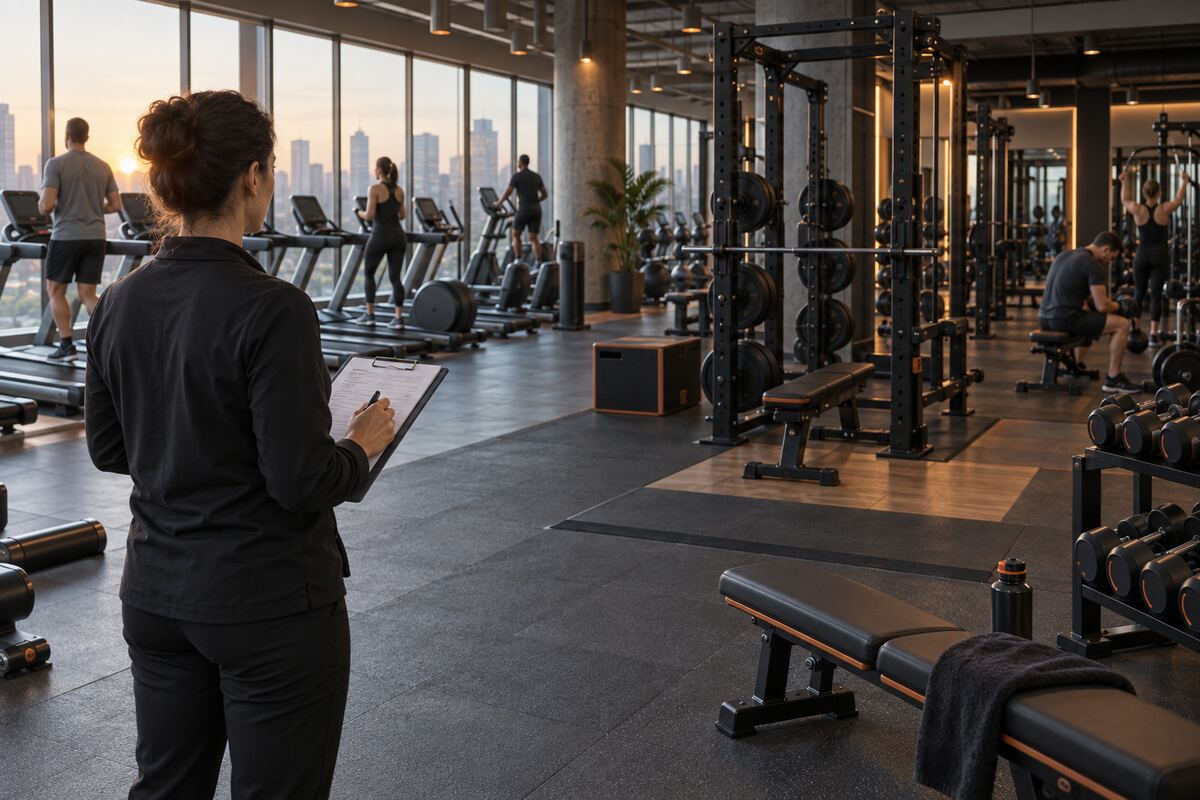
Gym equipment demand signals start as individual choices on your floor: the rack a member waits for, the machine they walk past, the bench they drag into a different position. One choice is noise. The same choice in the same hour, week after week, is evidence, but only if somebody records it the same way each time.
Waiting. A member waits for a station you already own. This points at capacity at that station, in that hour. On its own it does not show that a second unit would be used outside that hour.
Substitution. When the first choice is occupied, the station a member moves to is a ranked preference you did not have to survey for. Repeated substitution toward one station suggests what members treat as equivalent. A bank where one unit absorbs the overflow while identical units stay idle suggests a position, condition or setup difference, not a category shortage.
Abandonment. A member sets up, starts and leaves partway through. This can point at the unit’s condition, adjustment, position or the crowding around it rather than at demand for the category, and it can hide inside usage counts that look healthy. Check the unit before drawing any conclusion about the category; why members skip working equipment sets out the checks.
Requests. Members ask staff for equipment you do not have. Requests are the only one of the four behaviors that can show demand for something not on the floor, and they are lost unless someone records them.
Set definitions and triggers before you watch
Floor observation is hard to defend in a budget meeting when nobody agreed in advance what counts as evidence. Write these down before the first session:
- Windows. The recurring hours you will sample, chosen from your own check-in data: your busiest period, a shoulder period and a quiet one. Using the same windows every week makes the weeks comparable.
- What counts. When a wait begins, what counts as a substitution, and what counts as an abandoned set.
- The steps. How many occurrences, across how many sessions and weeks, move an item from “note” to “test,” and from “test” to “specify.” Set these counts from your own floor and the size of the decision; there is no industry standard for them.
- Who logs. A named staff member for each window, with one sheet: date, window, station, behavior and a one-line description.
Log behaviors, not people. Do not photograph or film members to count use. If you are considering camera or sensor analytics, have counsel review your privacy and consent obligations before anything is installed.
Records to pull alongside the log
Observation shows what happened during the windows you watched. Records show whether those windows were typical. For the same weeks, pull:
- Check-ins by hour from access control, to confirm you sampled your real peak and to see whether the peak is moving.
- Class bookings and waitlists, because a class that uses the same equipment as the open floor can create the queue.
- Console or connected-equipment usage by unit, where you have it. Ask the supplier how its platform defines a session and whether interrupted sessions count.
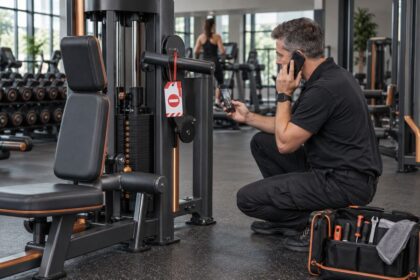
- Service tickets and out-of-order records for every station in the log. A queue at one rack while a second rack is tagged out is a repair question first; see turning floor observations into service decisions.
- Desk, app and email requests, logged by category and date.
- Cancellation reasons, where your exit process records them, filtered for mentions of equipment or crowding.
- The current floor plan, with every logged station marked.
Building visits are not station use. National visit data, such as the series discussed in our foot-traffic market signal, counts people entering buildings. Only your own floor shows which stations those visits load.
Floor signal check
Each row pairs a logged behavior with what it can and cannot show, and the next step. The table is FEX analysis; the counts that trigger each step are yours to set.
| Logged signal | What it suggests | What it cannot show | Next step |
|---|---|---|---|
| Repeated waits at one station in the same window | A capacity shortfall at that station, at that hour | Whether a second unit would be used outside the window | Rule out out-of-order units; try a schedule or layout change before pricing |
| Waits at one station while similar stations sit idle | Members prefer one model, position or setup | That the category needs more units | Compare condition, adjustment and position of the idle units; move or swap before buying |
| The same substitute chosen repeatedly | A ranked preference; the substitute may be the real demand | What members would choose if the first choice were free | Log use of the substitute outside the peak window |
| Abandoned sets on one unit | A condition, fit or position problem with that unit | Demand for the category | Service inspection; ask trainers what members report |
| Requests for equipment you do not have | Demand for a category not on the floor | How many members would use it, and how often | Keep logging by category; run a low-cost trial if one is available |
| Members bringing their own equipment | A gap in accessories or attachments | Demand for major equipment | Check accessory stock and storage first |
| A zone empty outside two peak windows | Load concentrated in time | That the zone is oversupplied at peak | Compare with check-ins; consider programming before removing units |
| Staff moving equipment or rescheduling classes around a shortage | The shortage already has an operating cost | That cost in money, until staff time is recorded | Record staff minutes per week spent on the workaround |
From signal to order
Test before you price. For each item that reaches your “test” step, choose the cheapest change that would alter the behavior if your reading is right: move a bench, change the spacing, add attachments or accessories, swap a unit’s position, or adjust a class schedule. Then log the same windows again. A supplier pilot is the next step up; the terms that matter are in testing footprint, durability and workflow before a fleet order. When stations move, keep clear floor space and accessible routes intact.
Specify what survives the test. A shortage that persists after the test becomes a written specification before any supplier is called: the movement or use the station must serve, the footprint and clearances published by the manufacturer for each candidate model, power and data needs, service access and the delivery route. The quote then answers your question rather than the supplier’s. The approval itself is covered in five evidence checks before committing capital.
For dealers. Before quoting against a request for more of something, ask for the floor log and the out-of-order records. A queue behind a unit waiting for parts is a service call, not an order.
Red flags
- A purchase justified by one session’s observation, or by the most persistent member.
- Trigger counts chosen after the data arrived.
- A queue explained without checking the out-of-order records.
- Console counts used as proof of demand when nobody knows how a session is defined.
What to do this week
- Choose three recurring windows from your check-in data and name who logs each one.
- Write definitions for a wait, a substitution, an abandoned set and a request, and set the counts that move an item to “test” and to “specify.”
- Pull out-of-order and service records for every station you expect to log.
- Start a dated request log, by equipment category, at the desk and in the app or CRM.
- Book the review date for when the log will have covered the number of weeks you chose.
Continue with FEX
- Setting cardio and strength budgets from queues and idle stations
- Measuring usable cardio hours, not console uptime
- The evidence a request for floor space must include
- Reading a competitor’s opening from public records
FEX editorial guidance: this is FEX operating guidance. The four behaviors, the signal table, the tests and the note-test-specify steps are FEX analysis; the counts behind each step should come from your own floor and records. Manufacturer documentation controls footprints, clearances and installation requirements. Privacy obligations for any camera or sensor monitoring are a question for counsel.
Editorial update, October 8, 2026: Removed fixed wait-time, repetition and frequency thresholds and unsupported claims about what most operators do, and replaced them with definitions and triggers the reader sets from their own records. Added the records that confirm or contradict floor observations, and removed a shared stock photograph and links to dated association articles.